At a glance
| Input | Action | Output | Limit |
|---|---|---|---|
| Candidate link | Keep it separate during graph partitioning | Review-only relationship | It is excluded from governed traversal |
| Imported link | Include it in the evidence partition | Traversable relationship | Import status does not certify correctness |
| Approved link | Include it in the evidence partition | Traversable relationship | Both endpoint nodes must also be governed evidence |
| Rejected link | Exclude it from both partitions | No evidence hop | It cannot support a trace path |
How it works
- Open Terminology Baseline and find Enterprise evidence workspace.
- In Trace graph, choose a node in Start node and select Show trace graph.
- Select Forward impact or Reverse provenance.
- Select the Evidence button on each retained hop.
- Review Coverage blockers for unapproved endpoints.
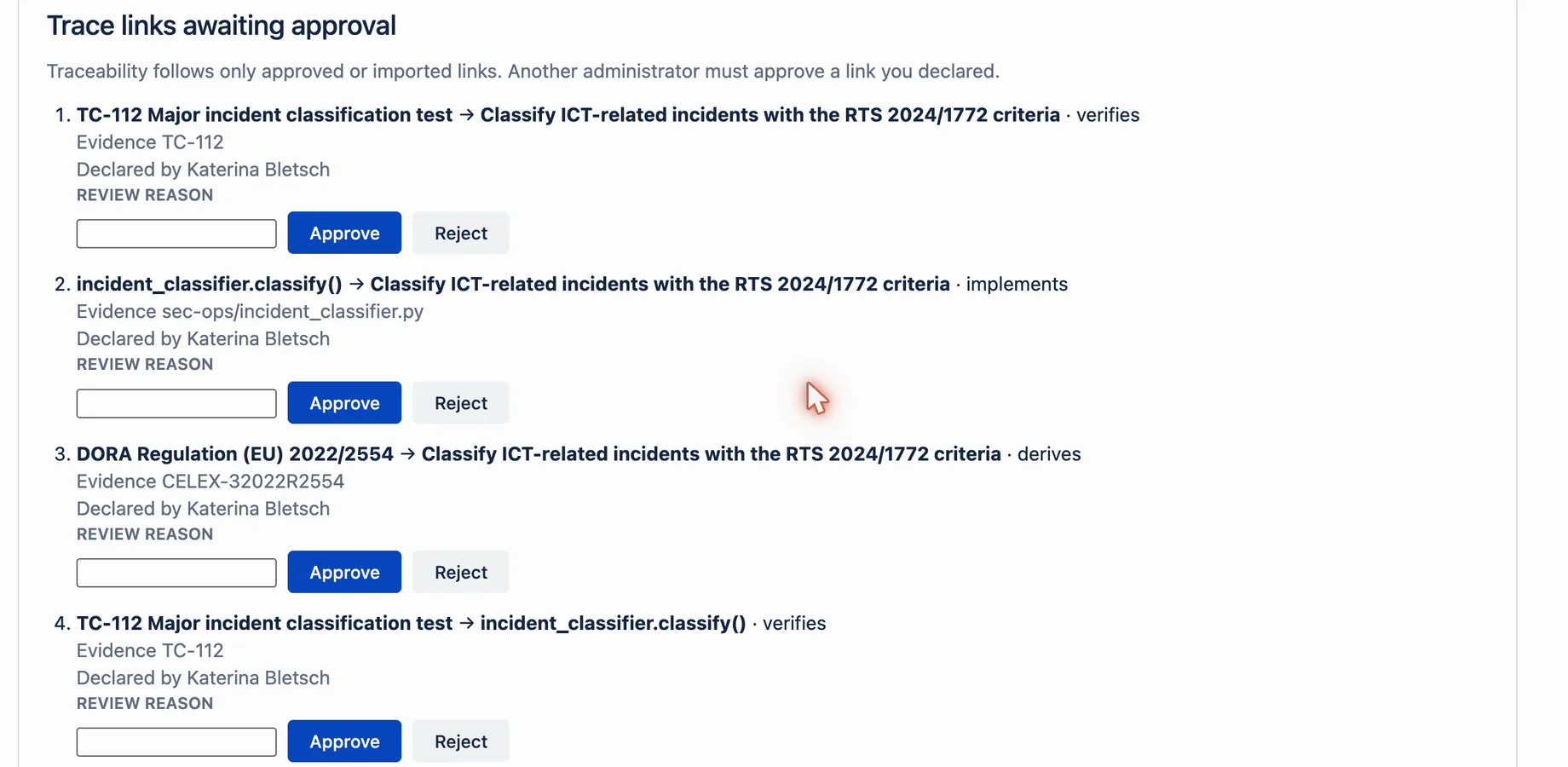
- Approve or reject candidates in Trace nodes awaiting approval and Trace links awaiting approval.
- Do not use a candidate or rejected link as audit evidence.
- Select Run verification before a formal handoff.
Example
A code reference has a candidate link to a policy requirement. The graph keeps that suggestion outside governed traversal. An imported link from the same code reference to an approved requirement can appear as an evidence hop. The candidate remains separate unless a governed process records an approved state.
What this does not mean
Approval state controls evidence inclusion. It does not prove that the relationship is factually correct. Imported evidence also requires accountable source governance. The graph view shows retained governed hops only. Candidates are approved or rejected in the review queues below it. The reviewer must be an administrator other than the one who declared them (how to declare and approve links). Missing or unapproved endpoint nodes can still make the result partial.
Related questions
Next step
Use only imported or approved links in evidence-backed trace reviews.
View on Atlassian Marketplace