At a glance
| Input | Action | Output | Limit |
|---|---|---|---|
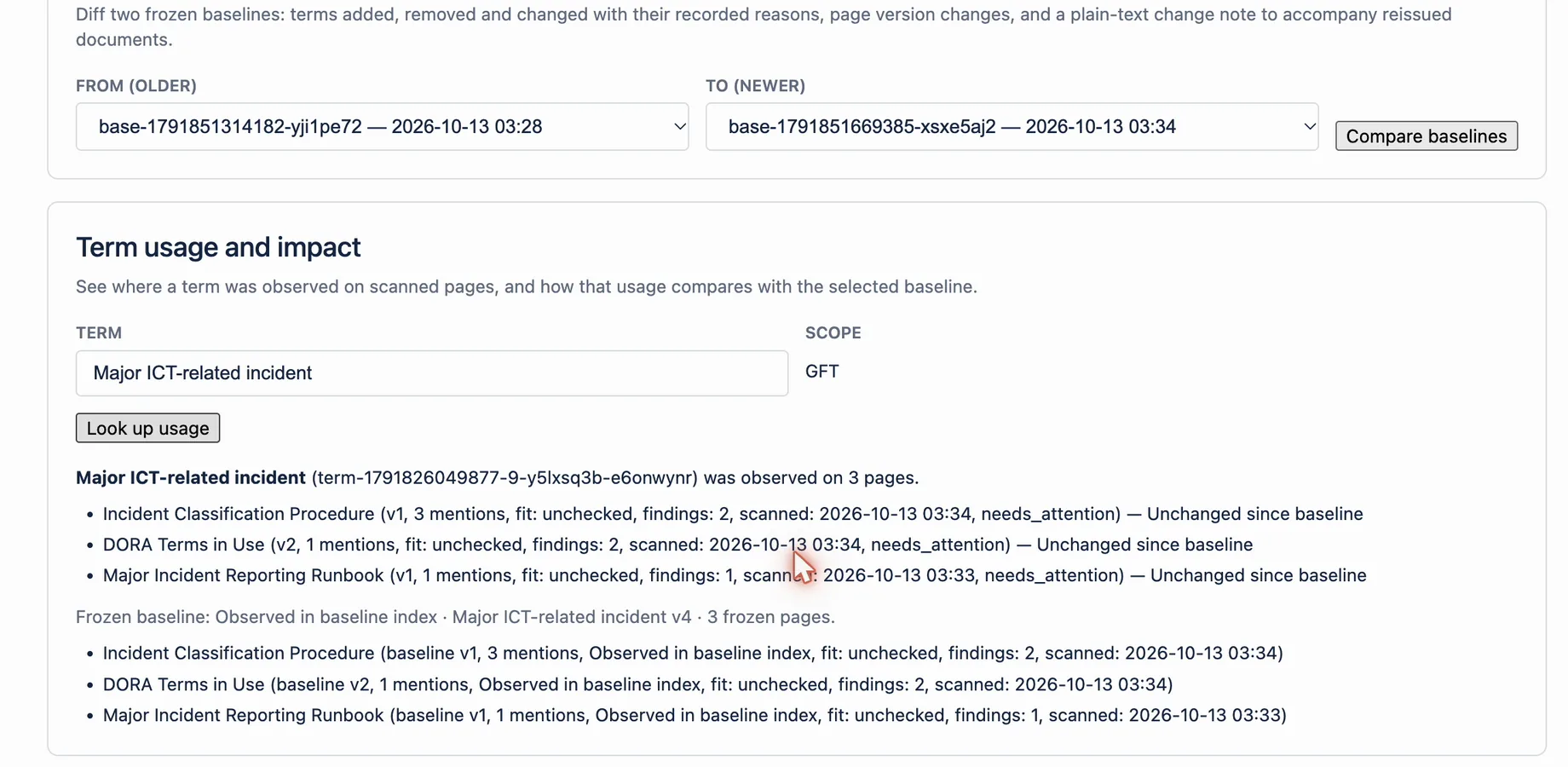
| Term name or ID and a selected baseline | Select Look up usage in Term usage and impact | Pages with version, mentions, findings, and change since baseline | Usage lists can be capped; the page says so |
| Frozen meaning in the current freeze | Select Show impact | Impact of the term: affected artifacts with baseline and current revision | Covers the current enterprise freeze only |
| Approved term trace node | Choose it in Start node, select Show trace graph, then Forward impact | Governed downstream hops | Term nodes come from Declare trace node and need another administrator's approval |
| Candidate or rejected link | Skip it during traversal | Not part of the result | Review it in Trace links awaiting approval |
| Moved or broken endpoint | Report it instead of expanding it | Entry under Coverage blockers | The app does not repair the source |
How it works
- Open Terminology Baseline.
- In Baselines, use Select baseline to pick the baseline to compare against.
- In Term usage and impact, enter the term and select Look up usage.
- Scroll to Enterprise evidence workspace.
- In Frozen meanings and revisions, select Show impact on the term's row.
- In Trace graph, choose the approved term node in Start node and select Show trace graph.
- Select Forward impact and review every hop and every Coverage blockers entry.
Example
An approved DORA term changes before a controlled release. Look up usage shows five pages, and one page changed since the selected baseline. Show impact lists the same pages with their frozen revisions. Forward impact from the term node shows an approved requirement and the test that verifies it.
What this does not mean
These views report only scanned usage, frozen observations, and approved or imported trace links. They do not infer every real-world dependency. An empty result can mean nobody deposited a link or scanned a page. It does not prove that an artifact is unaffected.
Related questions
Next step
Review usage and governed impact before changing an approved term used by controlled artifacts.
View on Atlassian Marketplace